IT Service Desk
A role-based service desk system for managing corporate IT requests.
- Solo project
Overview
A full-stack ITSM prototype inspired by the IT support process I observed during a corporate internship. Employees open requests through one system; they're routed to the right IT team, tracked and reported on.
Problem
In corporate environments, IT requests are usually scattered across email and verbal channels, making it hard for them to reach the right team, get prioritized and be tracked.
Solution
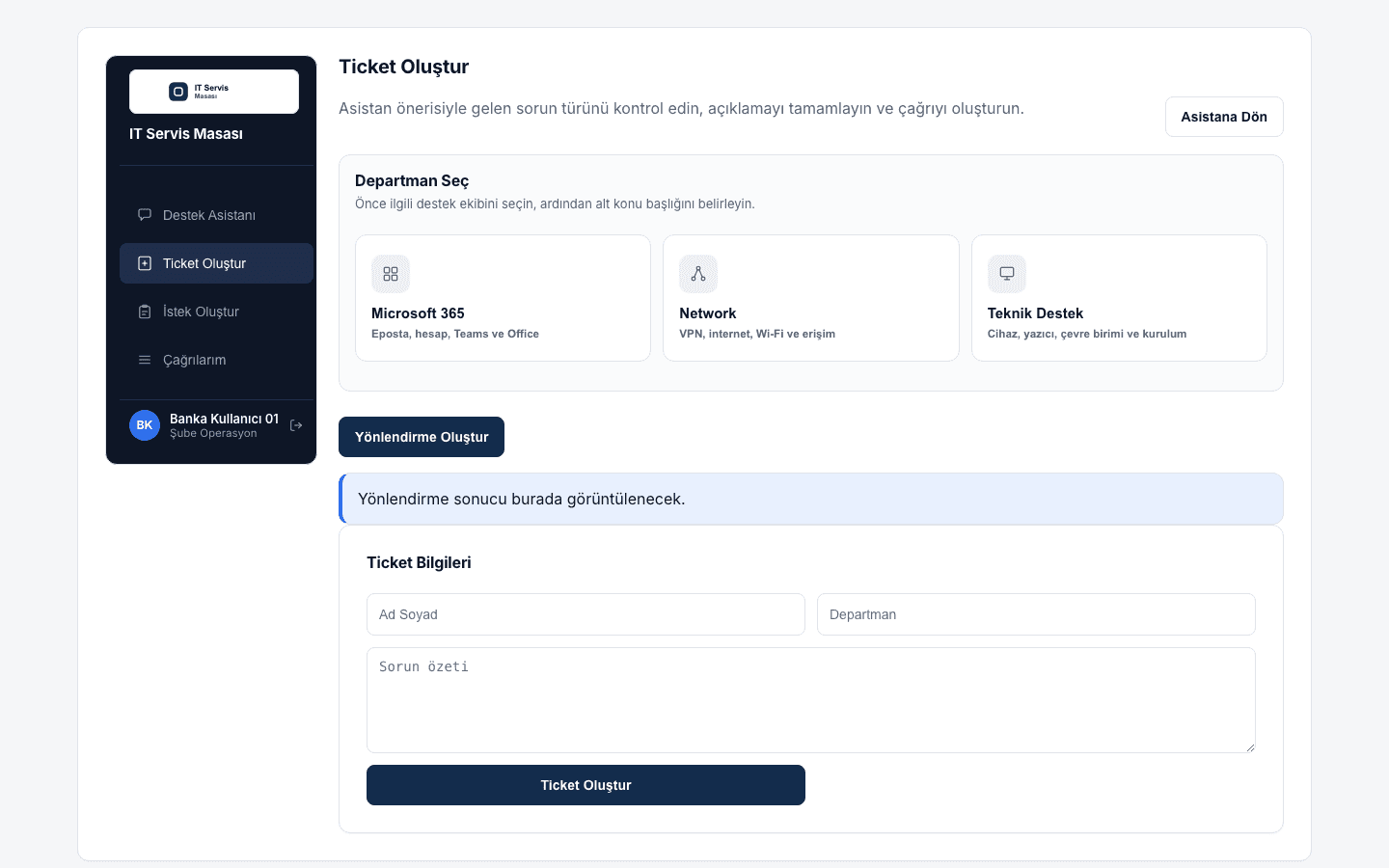
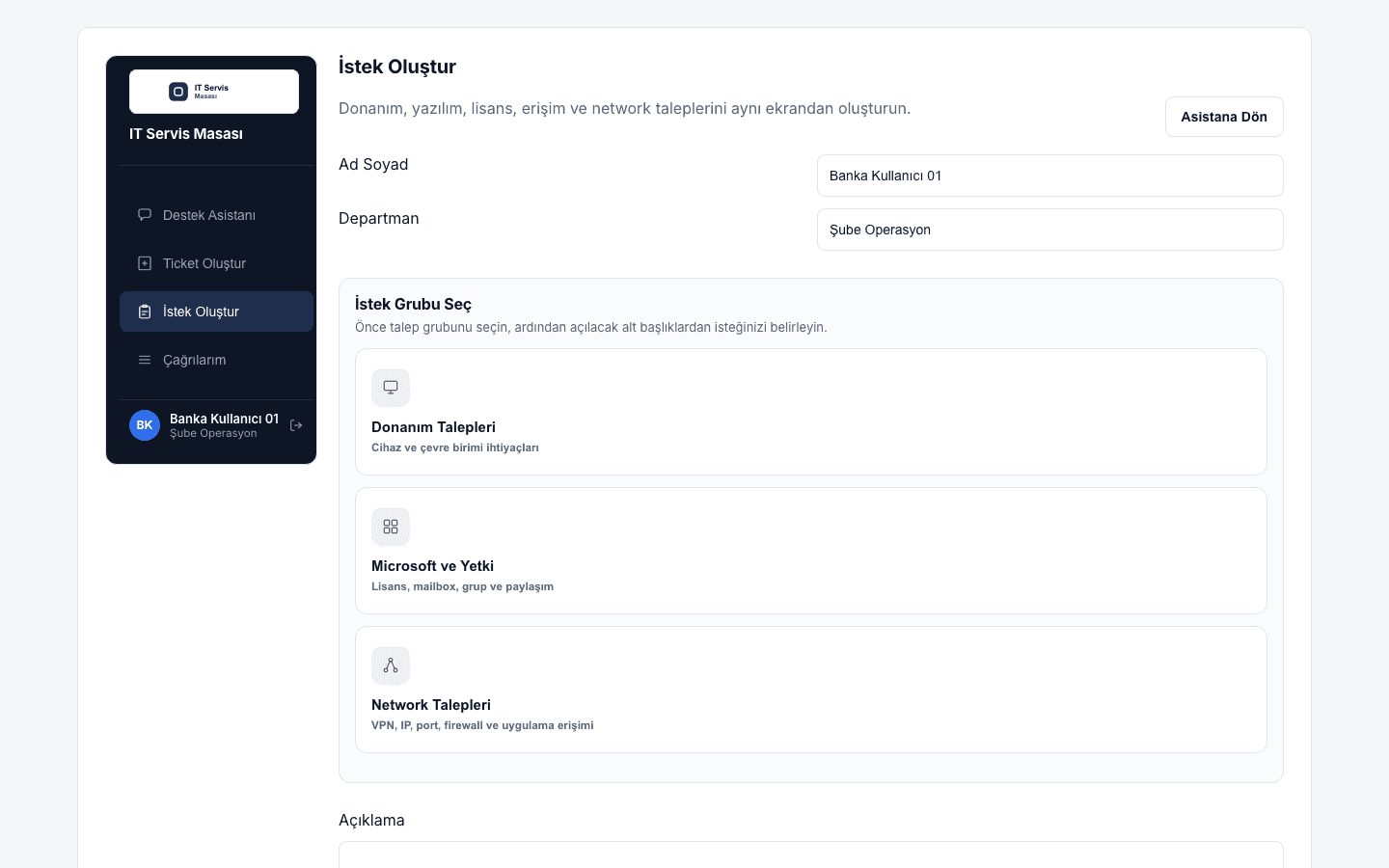
I designed a role-based system where users open and track incidents or service requests, admins route them through an approve/reject flow, and IT staff work the tickets assigned to them — with status, priority, category, department and SLA fields simulating a real ticket lifecycle.
Key Features
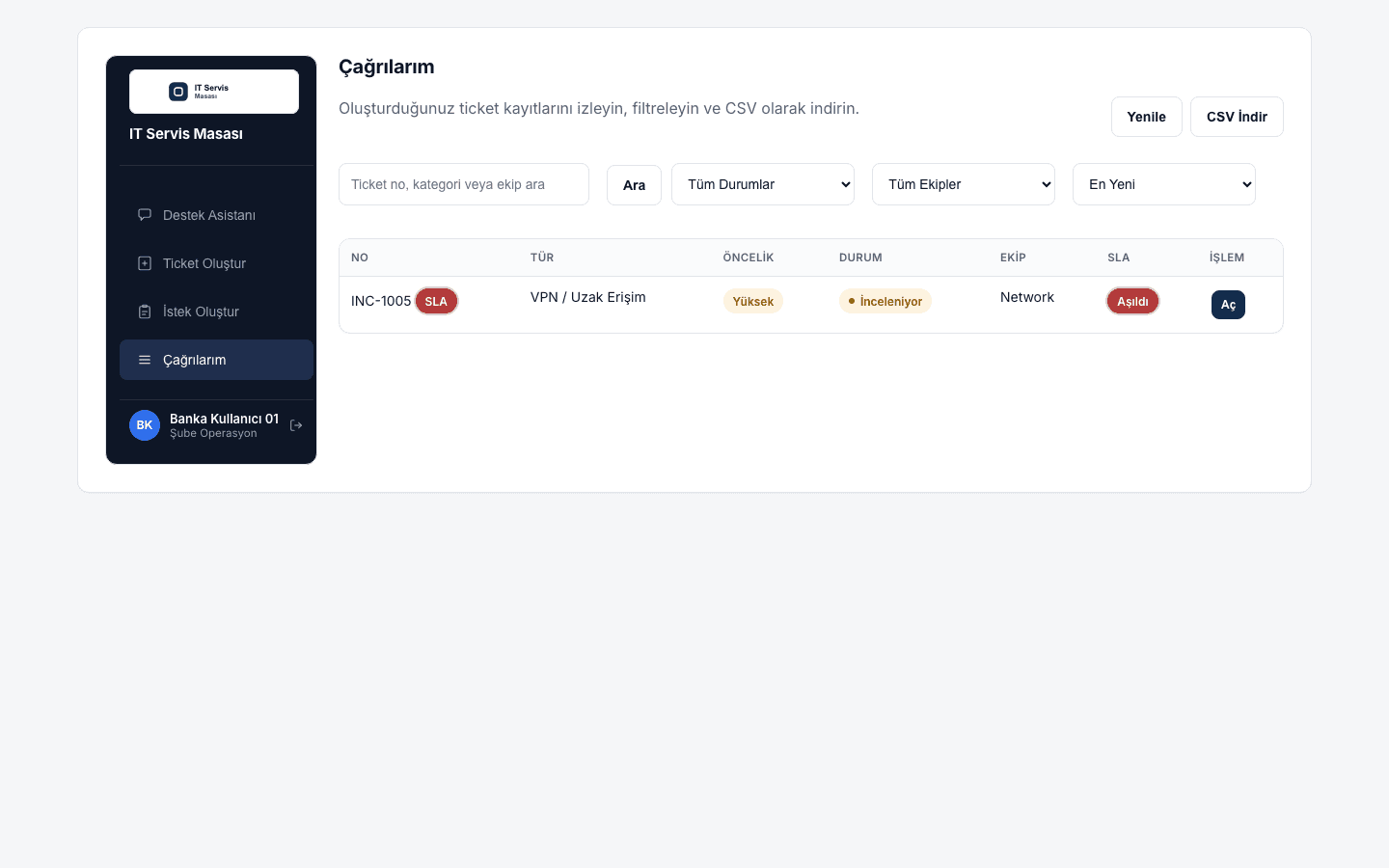
- Incident / Service Request creation and tracking for users
- Admin approval flow (Pending → Approved / Rejected) with team assignment
- Routing to team queues: Microsoft Services, Network Operations, Technical Support
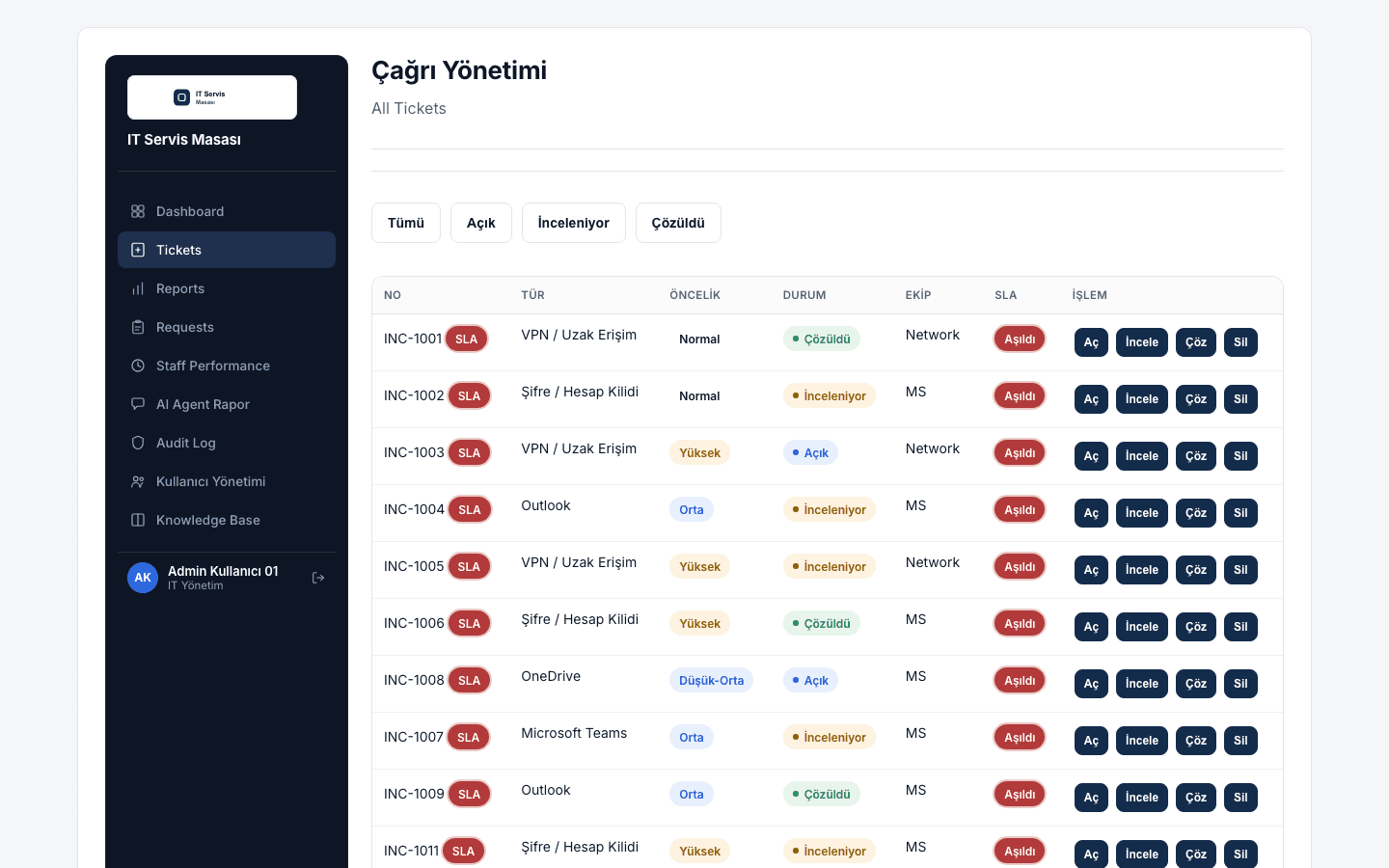
- Status, priority, category, department and SLA tracking
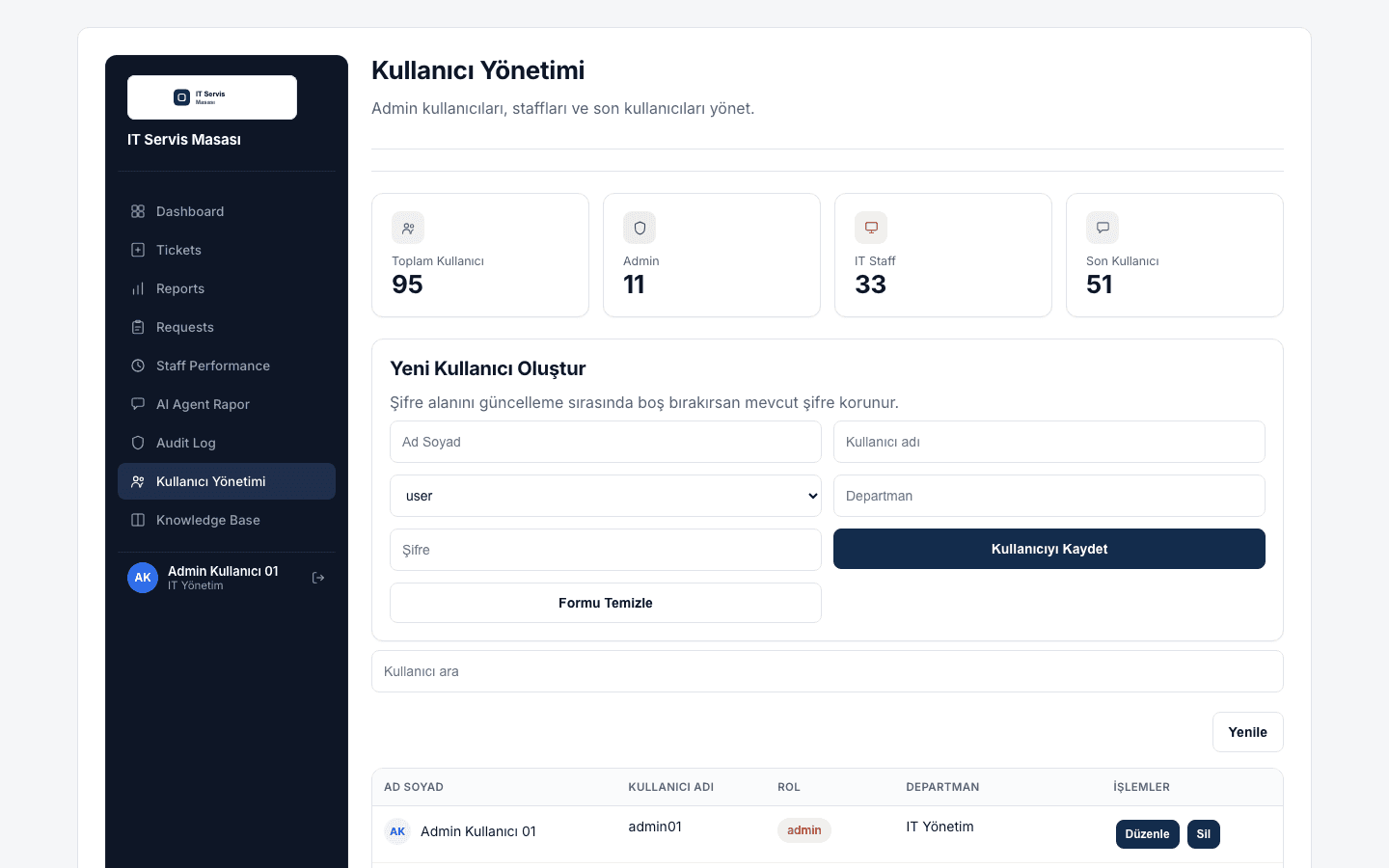
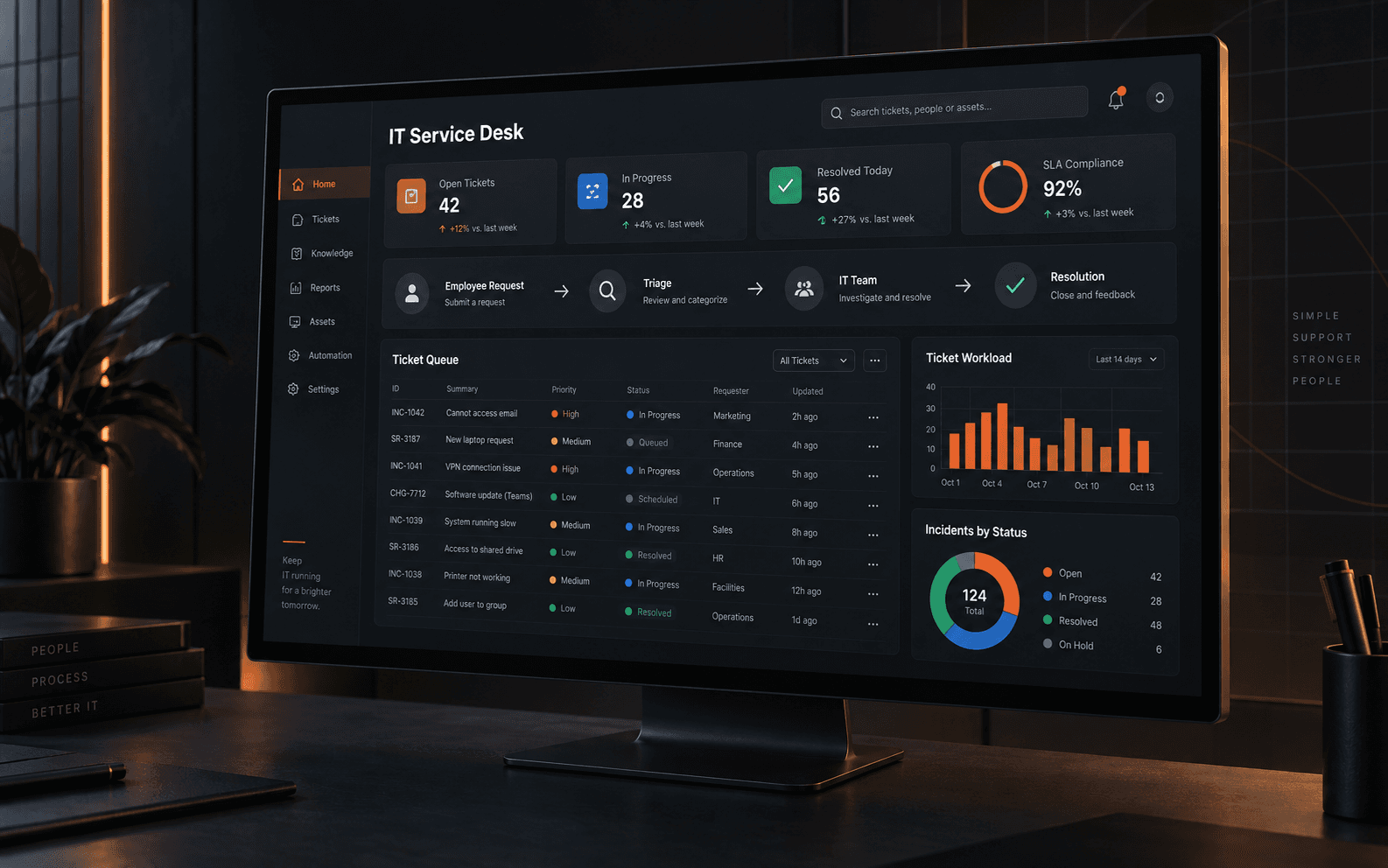
- Admin dashboard for open/in-review/resolved tickets and team workload
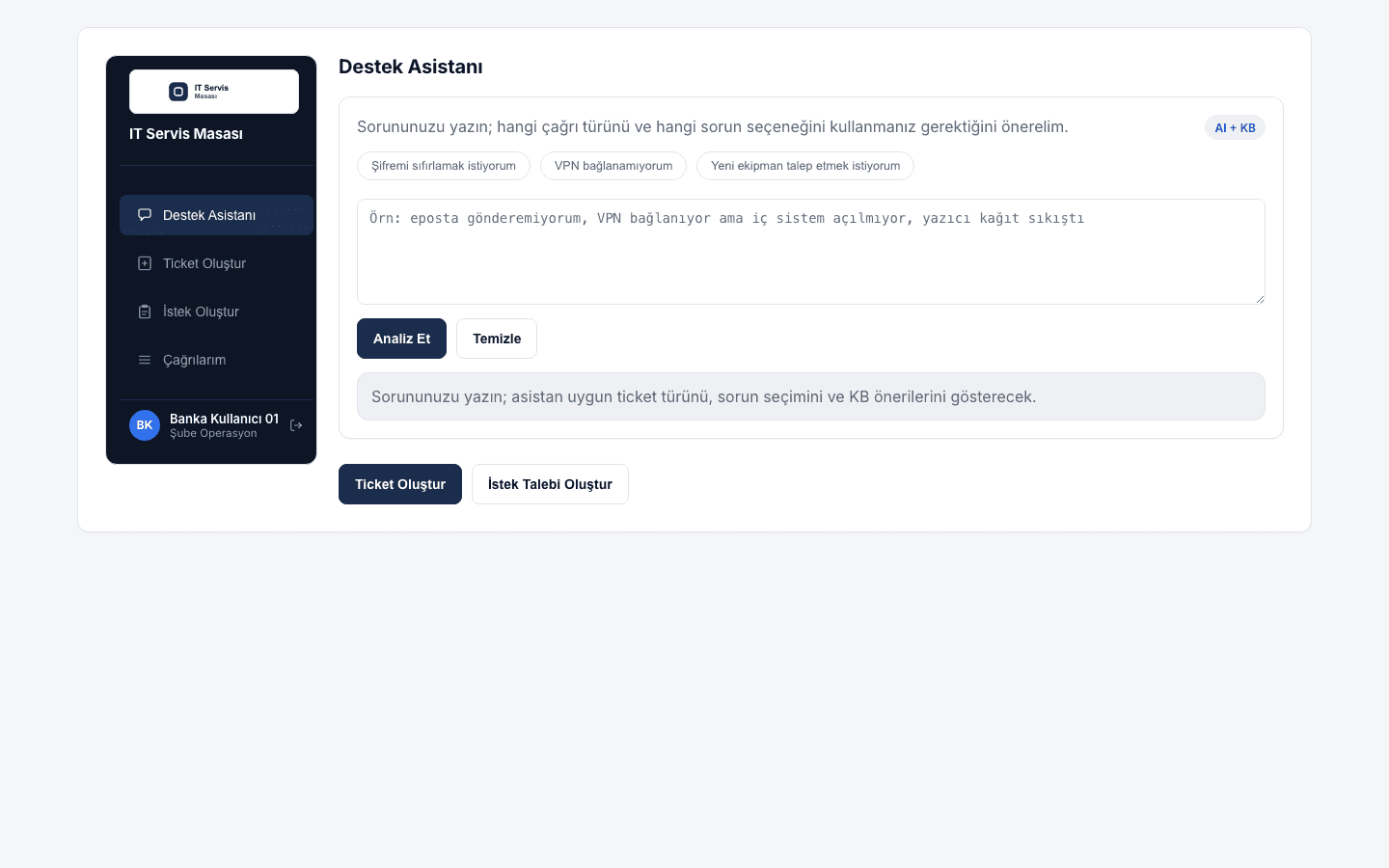
- AI + knowledge-base Support Assistant: suggests the right ticket type from free text
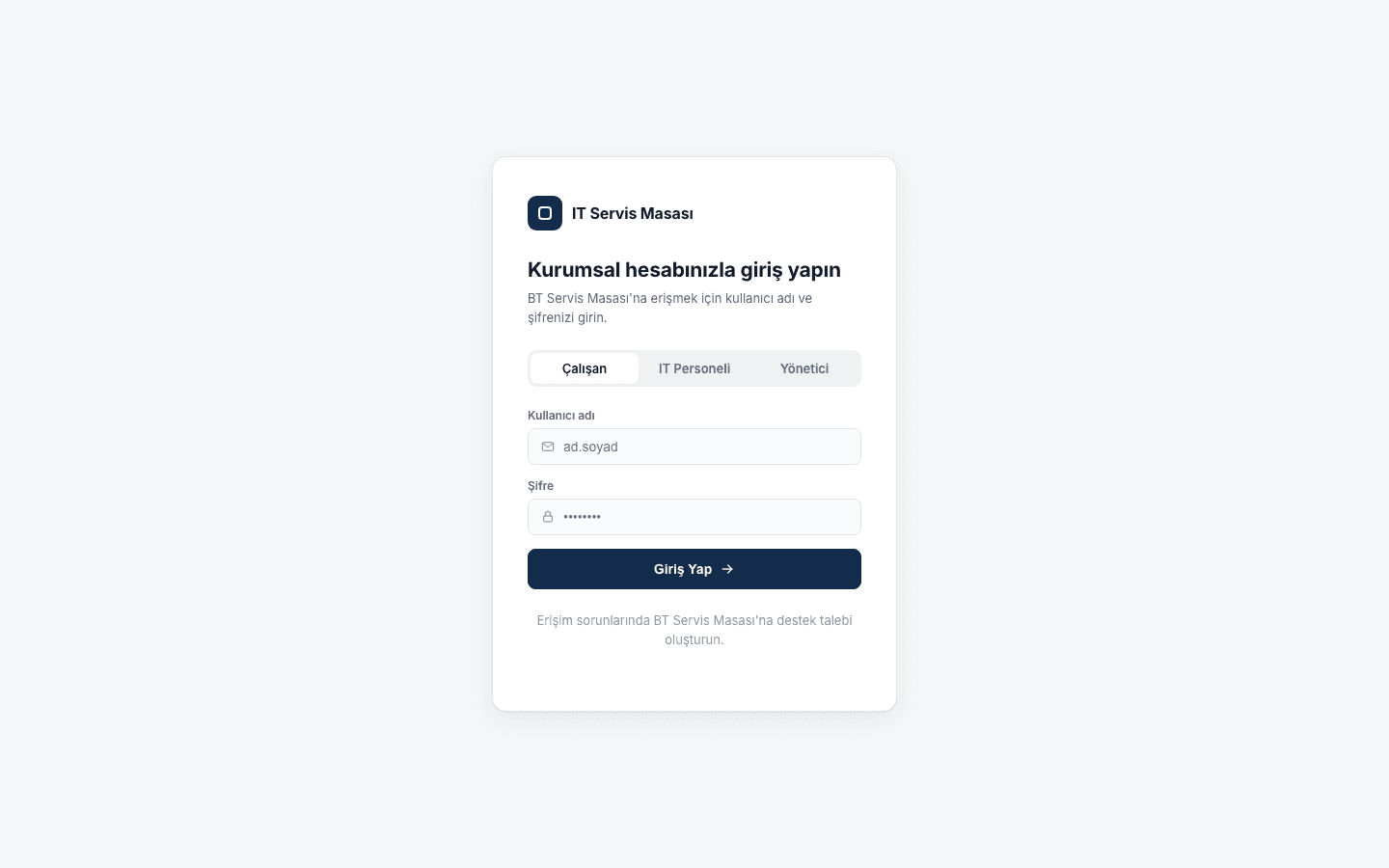
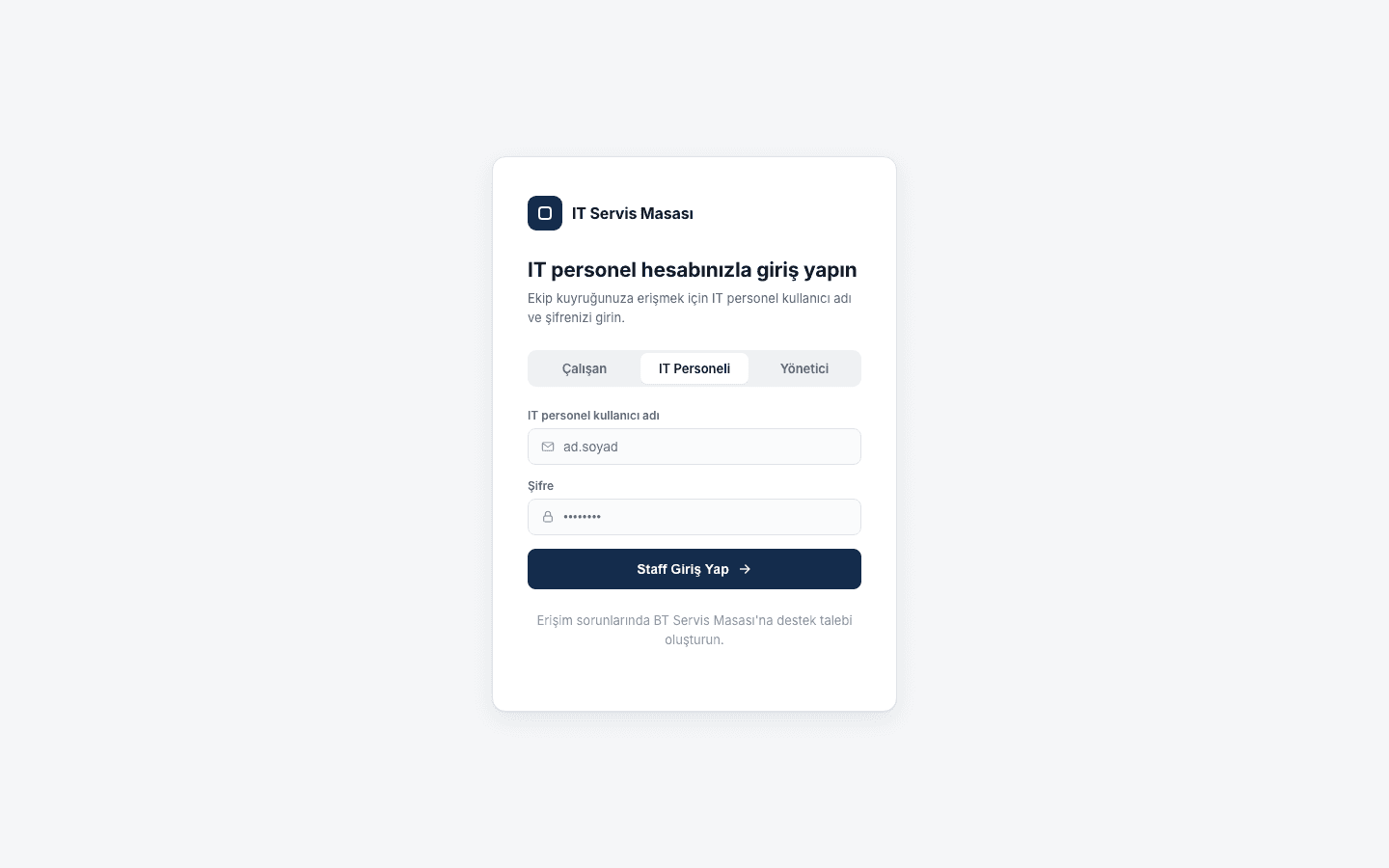
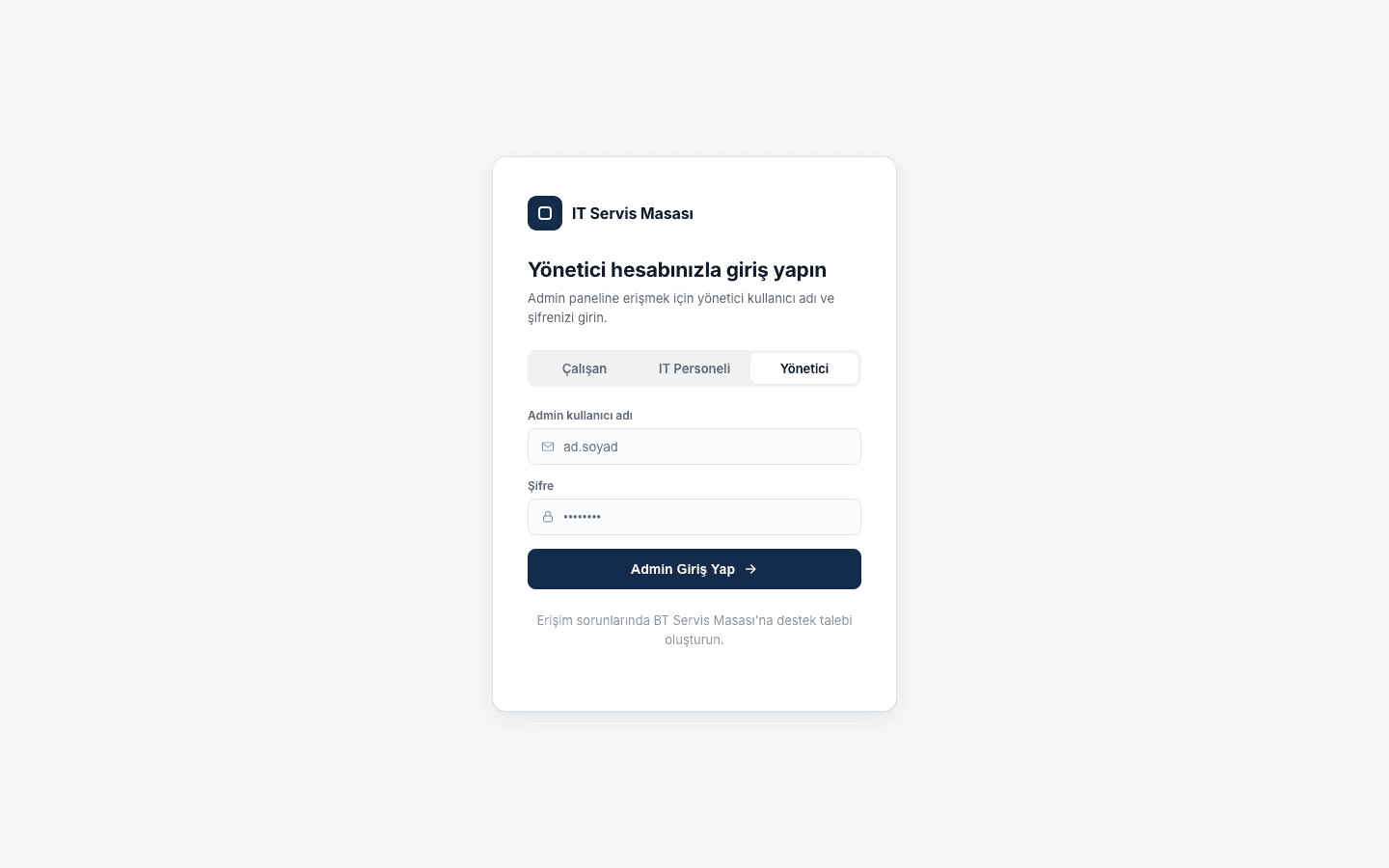
- JWT and bcrypt-based authentication with role-based access
Roles
Employee
Opens incidents or service requests and tracks their own tickets.
IT Staff
Works the tickets assigned to them and updates their status.
Manager / Admin
Approves or rejects requests, assigns teams, monitors reports.
Architecture
Auth runs on JWT, passwords are hashed with bcrypt, and incoming data is validated with Pydantic. Because the data layer is abstracted through SQLAlchemy, SQLite can be swapped for PostgreSQL later.
Ticket Lifecycle
Tech Stack
Python · FastAPI · SQLAlchemy · SQLite · JWT
Challenges
The hard part was routing different request types — VPN, Outlook, Teams, Active Directory, network issues — to the right category and team. I solved it with a rule-based decision tree first, then added the Support Assistant as an AI + knowledge-base suggestion layer.
What I Learned
A ticket is more than a description — it needs status, priority, SLA and an owning team to reflect a real business process. Building role-based authorization into the data model from day one held up far better than bolting it on later.
Gallery